Point at anything.
Hand-drawn arrows, notes and pen marks that draw themselves on. Put them on your website with one line of code, or on your screenshots in the Studio.
Email that waits for you.
Quietmail bundles the noise and shows you what matters, twice a day. Nothing else pings.
Drag the note to move it. Click anything in the window to point at it instead.
On your site, or on your screenshots.
For your website
One line of code, one attribute in Webflow or plain HTML, or a ready-made override in Framer. It follows the element as the page moves, and respects reduced motion.
<!-- no code needed -->
<a href="/signup" data-lookhere="Start here">Sign up</a>
<script type="module" src="https://lookhere.thepurvangmehta.com/auto.js"></script>
For your screenshots
Drop in a screenshot, drag over what matters, type a note. Export a crisp PNG for your case study, docs, tweet or slide deck. Nothing to install, nothing uploaded.
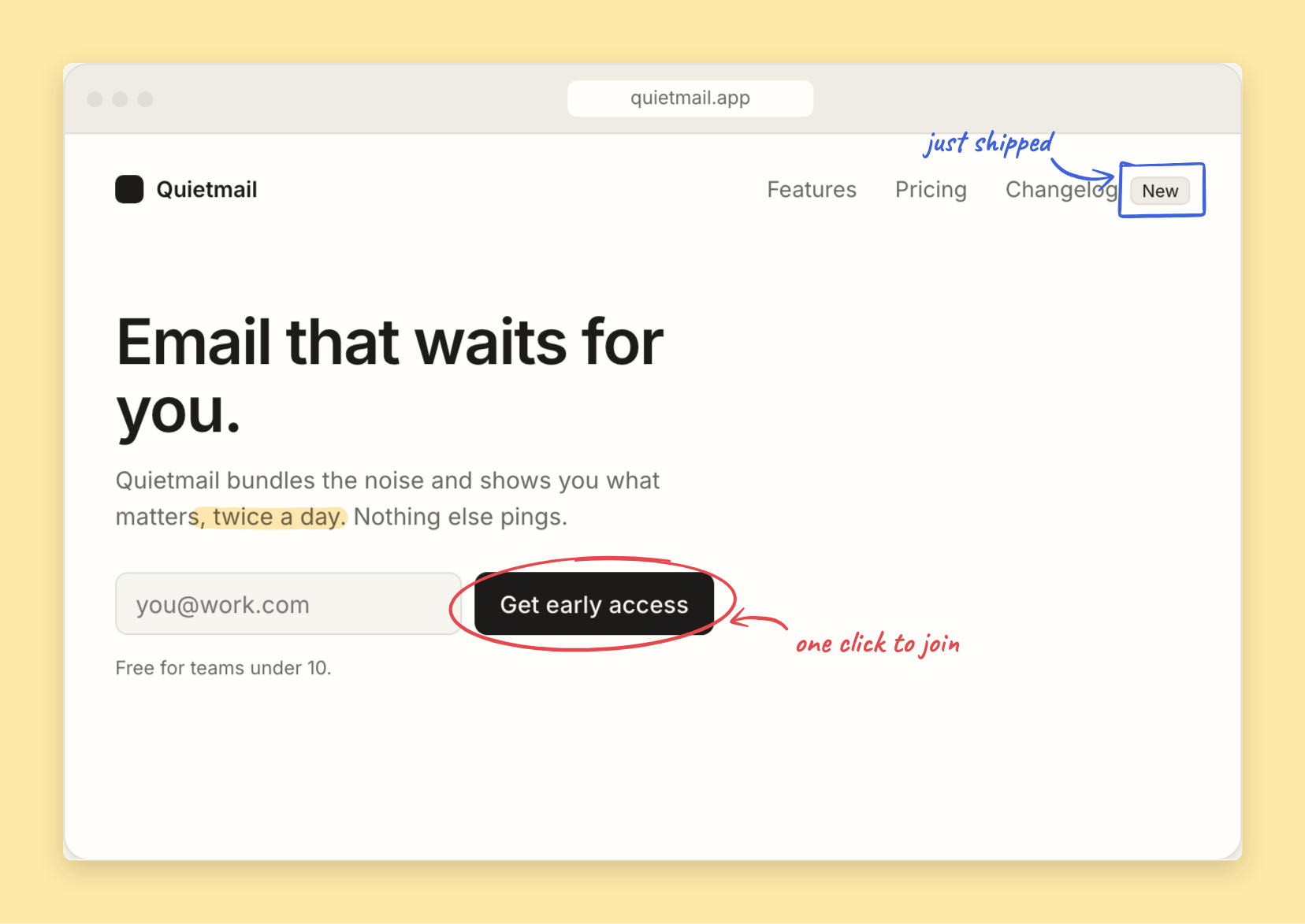
Anywhere you'd grab a marker.
The things people circle on a printout, now on the page. Each one below is drawn live, with the code for it.
Case studies and portfolios
Say what changed, right on the screen. Reviewers read the note before the paragraph.
point('#price', 'Moved it up here', { mark: 'circle' })
Docs and onboarding
Point at the control the sentence is talking about, so nobody hunts for it.
point('#summary-toggle', 'Turn this on first')
What's new
Show people the new thing once, where it lives, instead of a pop-up they close unread.
point('#theme', 'New: dark mode', { mark: 'box' })
Free to use. Pay once if it earns its keep.
The library is free forever, for any project. Studio is free to try; Pro removes the watermark and adds the extras.
Free
- The library: arrows, notes, circles, boxes, underlines, highlighter
- No-code script for Framer, Webflow and plain HTML
- Studio with every tool and style
- PNG export with a small lookhere mark
Studio Pro One-time
- No watermark on exports
- Retina export at 2x, sharp on any screen
- Copy straight to the clipboard
- Frames: export on a soft backdrop, ready to post
- Every future Studio update
Good to know.
Can I use the library in a paid product?
Yes. It's MIT licensed: use it anywhere, for free, no credit needed.
Does it work with React, Vue, Framer or Webflow?
Yes. In React or Vue, call point() once the element is on the page and destroy() when it leaves. In Webflow or plain HTML, add a data-lookhere attribute and paste one script tag. In Framer, paste a ready-made code override. The guide has each step.
Is it accessible?
The drawing is hidden from screen readers and the note becomes the element's description, so it is read out once, in the right place. People who turn on reduced motion see it appear without the drawing animation.
Does Studio upload my screenshots?
No. Everything happens in your browser. Your images never leave your computer.
How does Pro work?
You pay once through Lemon Squeezy and get a licence key by email. Paste it into Studio and Pro is on in that browser. Use it on your other computers too.